porting arianna to foliate-js
· 7 min read · gsoc · kde · arianna · javascript
i'm ajay chauhan (matrix), and for google summer of code 2024 i ported arianna — kde's ebook reader — from epub.js to foliate-js. i'd previously worked on kdenlive through season of kde '24.
arianna used epub.js, which is no longer actively maintained — a problem, because it struggles to keep up with evolving epub standards. the fix was to port arianna to foliate-js, an actively maintained epub renderer with more features (it also powers the foliate ebook reader). the goal: give arianna a reliable, up-to-date rendering engine so it keeps supporting the latest epub standards and features. my mentor was carl schwan.
getting set up
i set up the dev environment in qt creator — straightforward enough — then read carefully through arianna's existing epub.js integration (epub-viewer.js), working out which features needed porting: rendering, navigation, user interactions, and the c++ backend.
next i found every place epub.js was wired into qt, comparing it against how foliate-js does the same things, and captured the plan in a draft merge request. getting my head around foliate-js's backend architecture — how its components interconnect — took some extra time.
table of contents
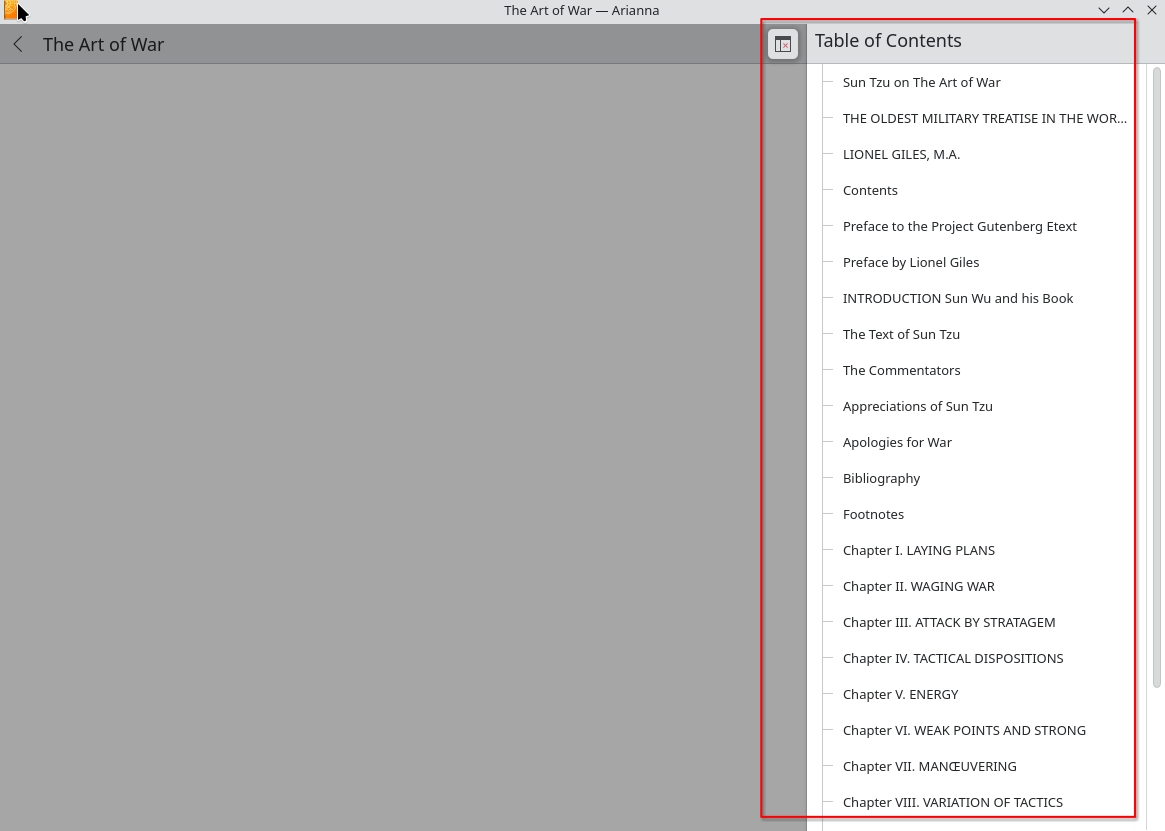
the first feature i got working takes the toc data from the book and imports it into arianna's context drawer, so you can navigate the book's structure:
const { book } = action.payload;
if (book && book.toc) {
  applicationWindow().contextDrawer.model.importFromJson(
    JSON.stringify(book.toc)
  );
} else {
  console.warn("Book or TOC not available");
}
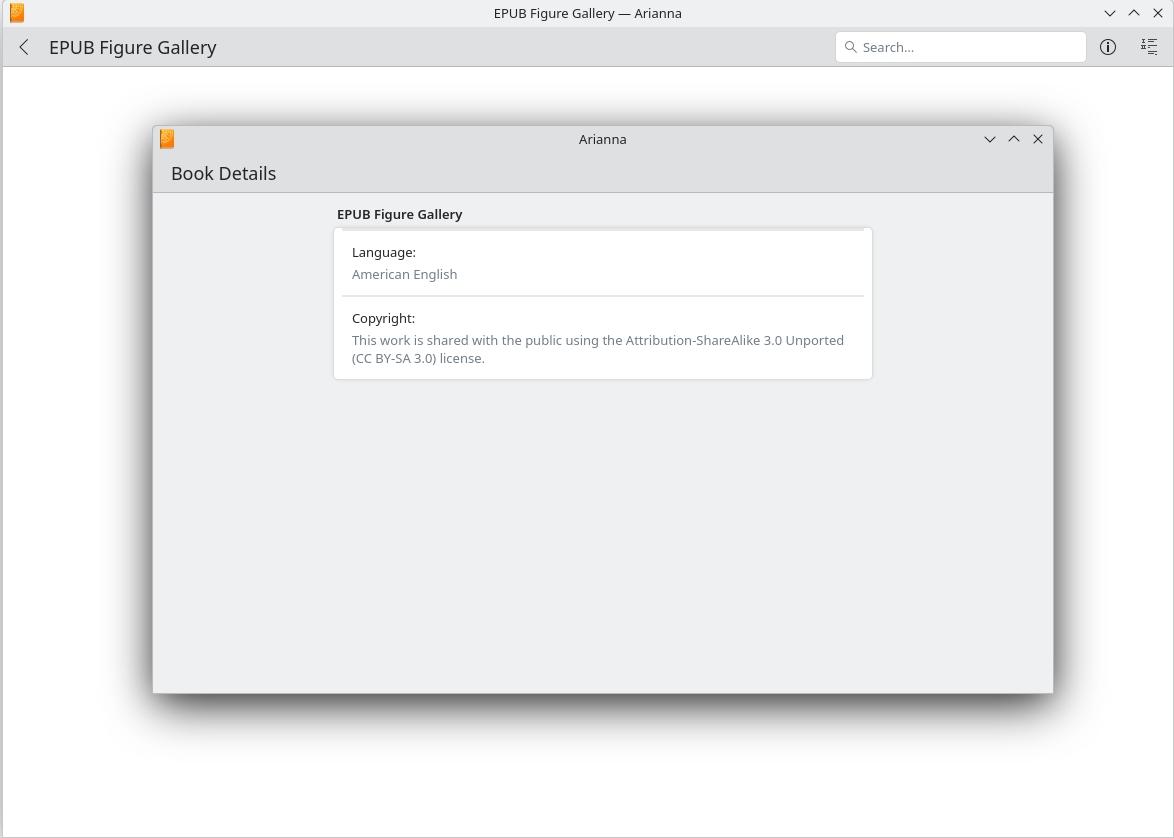
metadata
then metadata handling:
const metadata = action.payload.book.metadata;
if (metadata) {
  backend.metadata = metadata;
  root.bookReady(backend.metadata.title);
  Database.addBook(backend.file, JSON.stringify(metadata));
}
it grabs the book's metadata, updates the backend, tells the app the book is ready (passing along the title), and stores everything in the database.
update — august 2024
as my gsoc 2024 project wrapped up: the first half was navigation and metadata, the second was getting books to actually render and behave.
overcoming rendering challenges
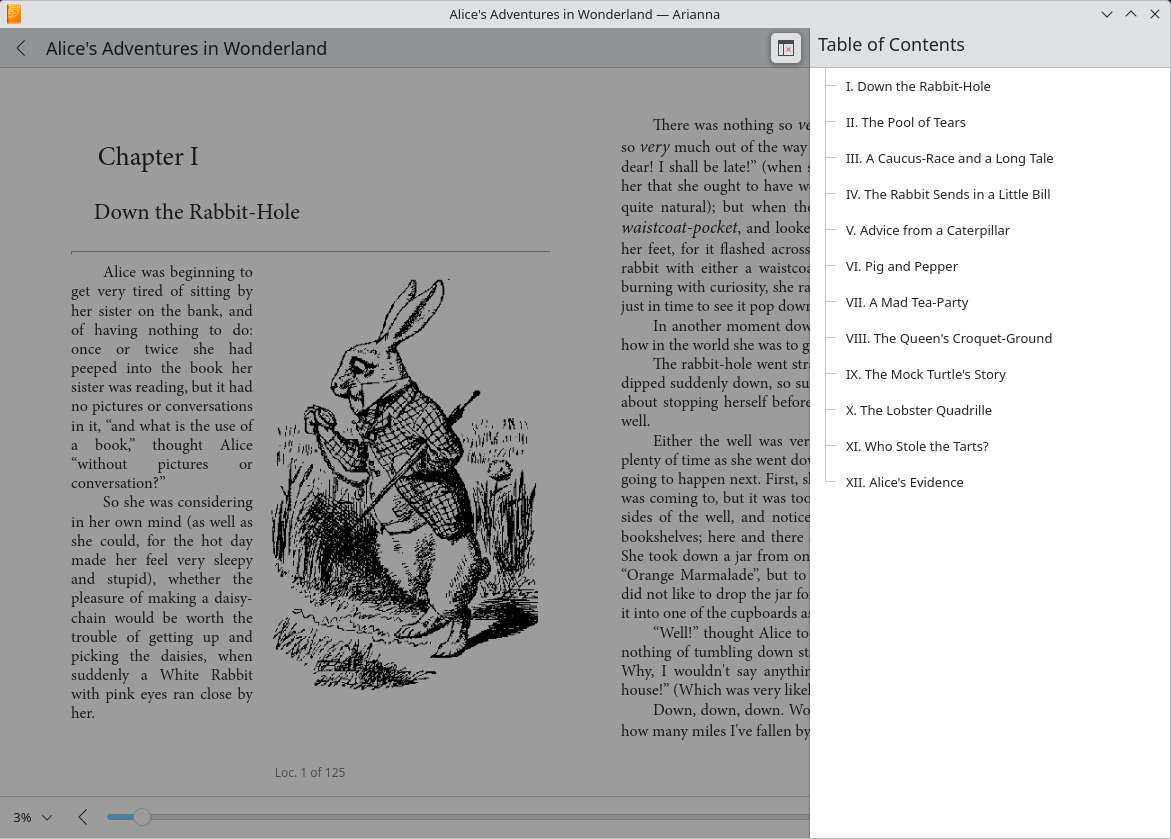
- **rendering:** the biggest hurdle was a bug that kept the book from showing on screen at all. with my mentor's guidance we tracked it down, and the book finally appeared.
- **text color in light theme:** fixed text-color issues in light mode so everything stays visible, keeping things consistent across themes.
- **navigation buttons:** enabled them by setting
backend.locationsReadyto true once the book is ready, so you can move page to page without relying on the arrow keys. - **theme colors:** handled theme colors for a consistent look across themes.
light: {
  fg: Config.invert ? Kirigami.Theme.backgroundColor.toString() : Kirigami.Theme.textColor.toString(),
  bg: Config.invert ? Kirigami.Theme.textColor.toString() : Kirigami.Theme.backgroundColor.toString()
}
reading position and progress
i fixed the slider so it reflects reading progress. the relocate event fires when the location changes; its detail carries range, index, and fraction — a number between 0 and 1 for progress within the section. adding backend.progress = action.payload.fraction; in the relocate case lets the slider track your position accurately. commit ↗
the slider also needed to work the other way — dragging it should move the book, which it previously didn't. the fix:
QQC2.Slider {
    onValueChanged: {
        if (pressed) {
            backend.progress = value
        }
    }
    onPressedChanged: {
        if (!pressed) {
            backend.progress = value
            view.runJavaScript(`reader.view.goToFraction(${value})`)
        }
    }
}
and i sorted out the book-progress display, the time-left calculation, and the popup behaviour.
the most challenging part was making things work, and realizing that not everything is as straightforward as i initially thought. diving into a large codebase and understanding how everything fits together was daunting — but it taught me patience, and how to break problems down until they are simple.
what's left
- right-click copy and search
- a ctrl+ shortcut for increasing font size
- link color and redirect issues
- bookmarking and annotations
my gsoc journey came to an end, but my contributions to arianna and the open-source community continue. huge thanks to my mentor carl schwan, the kde community, and the google summer of code program — this improved arianna, and it was a transformative journey for me as a developer.